

Account and data
Account deletion
How to delete your ForgeMe account and your data.
From the app
Delete your account from the app
- Open ForgeMe and sign in.
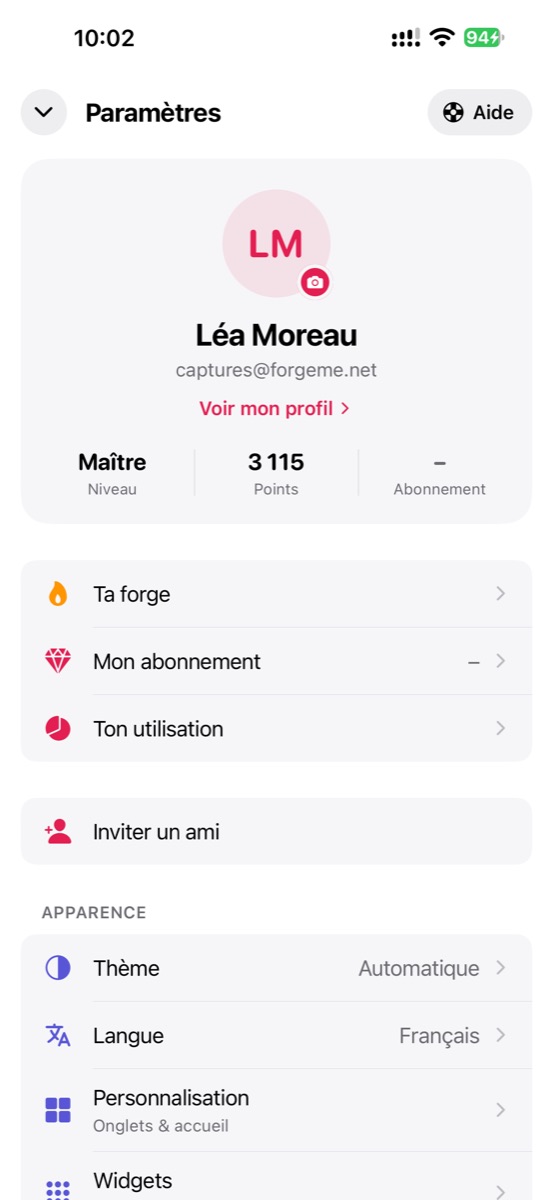
- Go to Settings.
- At the very bottom, in the Danger zone section, tap “Delete my account”.
- Confirm: your account and data are permanently deleted.
Without access to the app
Email contact@forgeme.net from your account address. Handled within 30 days.
What is deleted
Profile, tasks, rituals, goals, journal, ideas, important dates, trips, progress (points, badges) and preferences. This cannot be undone. Some billing data may be kept for the legally required period, then deleted.
A question about these documents? Write to us